Why Cloud and AI Budgets Fail Annual Planning
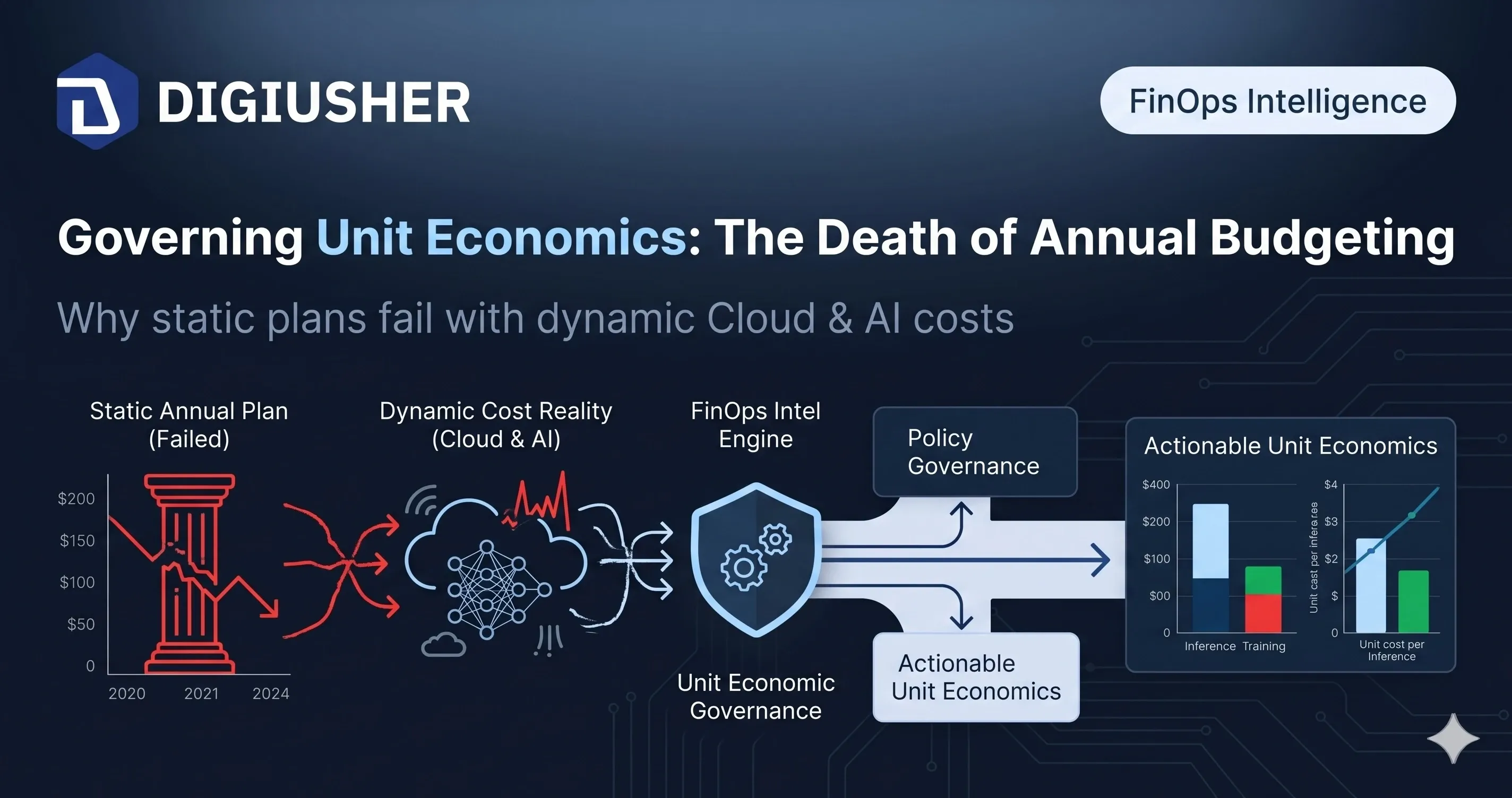
Annual planning was built for fixed assets. Cloud and AI spend is consumption-driven, non-linear, and breaks the 12-month budget cycle. Here is what replaces it.
The last four weeks of releases have a single throughline: shrink the distance between seeing a problem and fixing it. We expanded the catalogue of money-saving scenarios across cloud and SaaS, added a one-click way to act on them, gave commitments their own end-to-end visibility, and rebuilt navigation so every persona — finance, FinOps, platform, executive — lands on what matters to them first.
One-click remediation through Azure DevOps
Every saving scenario now ships with an in-product Remediate button powered by your existing Azure DevOps setup. Once an administrator turns on automation, FinOps analysts can apply the saving through the organisation’s own change-management process, with no need to chase down the resource owner separately. The scenario simultaneously generates its own shareable detail page with a stable URL, so passing context to the owning team becomes a link rather than a long Slack thread. Less manual work, less back-and-forth, and savings captured the day they’re actually identified rather than weeks later once the ticket finally gets picked up.
More services, more savings across cloud and SaaS
New saving scenarios landed for AWS Bedrock, Google Cloud SQL, Google Cloud Spanner, and Google Compute Engine rightsizing and machine-family upgrades. On the SaaS side, DigiUsher now spots suspended Google Workspace accounts still consuming a paid licence and recommends reclaiming them. Each new scenario shows up directly inside the same recommendations stream FinOps teams already work from, with a concrete savings estimate and an owner ready to action it — a meaningfully bigger pool of identified savings across AI inference spend and SaaS licences every week, FOCUS-formatted by default, with no new tool to roll out.
Google Workspace is now a first-class data source
Connecting Google Workspace now takes minutes rather than a project. Cost and inventory data flow in alongside cloud spend, with historical backfill on first connect, normalised into FOCUS format — so chargeback and budget views start from real history rather than a blank slate. Finance managers get a single place to see infrastructure, AI platforms, and productivity SaaS together, with chargeback reflecting the full picture rather than just the cloud bill.
Chargeback gets recalculate-on-demand, dimension filters, and breakdowns
When allocation rules change mid-month, there’s no more waiting for the next cycle to see corrected numbers — a new Recalculate button refreshes chargeback views on demand, with a sensible cooldown built in so the system stays healthy under load. New dimension filters and breakdowns let you slice allocations by any combination of business attributes, and the Sankey-view, filter, and dropdown glitches that had been nagging power users are fixed. Finance closes faster, with numbers everyone actually trusts.
Unit Economics V2: cost-per-anything, with no engineering required
The new unit economics engine is fully formula-based. FinOps teams define the metrics that matter — cost per transaction, cost per active user, cost per model invocation — by writing a formula and picking the relevant dimensions, entirely from a dedicated configuration screen. No code, no help-desk ticket, no waiting on a sprint. Executives get the business-aligned KPIs they’ve actually been asking for, and FinOps owns the definitions directly instead of inheriting them from an engineering backlog.
Forecasting moves server-side and gets more accurate
In-browser forecasting is gone, replaced by a dedicated server-side engine, with accuracy improvements shipped at the same time. Forecasts now run consistently regardless of data size, refresh faster on dashboards, and tie back to a single source of truth across every user — meaning CFOs and finance leaders make next-quarter calls on numbers that actually match what the platform is predicting, rather than a browser-session approximation that could differ depending on who generated it.
Kubernetes rightsizing arrives as a first-class tab
A new Rightsizing experience inside Kubernetes shows pod-, workload-, and namespace-level recommendations alongside cluster cost. Platform engineers and FinOps practitioners can now find Kubernetes waste in the same workflow they use for the rest of the estate — lower cluster bills with no separate cost tool needed for containers, at any node count.
A navigation that gets out of your way
The sidebar has been rebuilt as an accordion, with dedicated landing pages for Radar, Forecasting, and Custom Dashboards, and pinned items now actually stay pinned. Every dashboard widget carries an Explore action dropping straight into the right Cost Explorer view, ready to investigate. New out-of-the-box dashboards for AWS and Azure mean every account gets an executive overview from day one — less hunting, fewer clicks, faster decisions for every role.
Onboarding, data sources, and partner branding
First-time users now see a real, guided setup path where they once hit an opaque mock screen, shortening the road from sign-up to first connected cloud. Kubernetes data sources expose their API key with a clear reveal toggle, and sensitive Azure and OCI credentials no longer surface in detail views by default — a cleaner first impression, tighter credential handling, and a product that’s more channel-ready for partners.
What this all adds up to
Taken together, this release compresses the whole FinOps loop. There are more savings to find — across AI, SaaS, and traditional cloud — and a one-click way to actually capture them. There’s a single trustworthy view of every commitment, cleaner tagging, recalculable chargeback, and unit-economics KPIs your CFO has genuinely been asking for. And the whole thing is easier to navigate whether you’re a finance manager closing the month, a cloud architect renewing a Savings Plan, or an executive checking forecast against budget.
See what one-click remediation and formula-based unit economics look like against your own estate. Book a 30-minute session and we’ll map it to what you’re actually running. Request a demo →
Frequently asked questions
What is one-click remediation in a FinOps platform, and how does DigiUsher implement it? It’s the ability to apply an identified cost-saving recommendation directly from within the tool, with no manual ticket and no chasing the resource owner through a separate channel. In most FinOps deployments, identified savings go uncaptured because the path from recommendation to action needs a FinOps analyst to write up the finding, route it, wait for approval, then verify the change — a cycle that can take days per scenario. DigiUsher closes this by embedding a Remediate button in every saving scenario that, once an administrator activates workflow automation, opens a governed action through the organisation’s existing Azure DevOps pipeline — respecting the same change-management approvals and audit trail already in place rather than bypassing them.
How does the Azure DevOps integration actually work? Once an organisation’s Azure DevOps workspace is connected, every saving scenario gains a Remediate action triggering a pipeline run there directly — the same approval workflow, security review, and rollback procedure engineering already uses for infrastructure changes, with no separate approval path and no shadow-IT risk from cost changes happening outside governed process. The full context of the scenario (resource identifier, recommended action, projected saving, owning team) passes through as structured data, and every remediation is traceable from the DigiUsher scenario to the corresponding DevOps run, giving finance and compliance a complete audit record.
What is Unit Economics V2, and why does it matter for enterprise FinOps? A fully formula-based cost attribution engine letting FinOps teams define business-aligned metrics — cost per transaction, per active user, per model invocation — entirely from a self-service configuration screen, with no engineering involvement or code change required. The gap it closes: cost-per-unit metrics that need engineering to build into a data pipeline typically take weeks to define, get brittle whenever the business definition changes, and end up owned by engineers rather than FinOps. This inverts that — a FinOps practitioner writes the formula and picks the dimensions, and the platform computes it continuously across the full data history.
How does DigiUsher handle Kubernetes cost rightsizing? Through a first-class Rightsizing tab surfacing pod-, workload-, and namespace-level recommendations in the same workflow used for the rest of the estate, with no separate tool and no node-count limit. It ingests actual pod resource requests versus utilisation and bin-packing efficiency, generating concrete recommendations that land in the same Saving Scenarios stream as cloud infrastructure and SaaS findings — so a FinOps analyst sees Kubernetes waste, AWS Bedrock over-provisioning, and a suspended Google Workspace licence all in one unified view.
How does DigiUsher govern AI inference cost, including AWS Bedrock, natively? AI inference spend — Bedrock, Azure OpenAI, Vertex AI, Databricks, Snowflake ML — arrives in FOCUS-formatted data alongside every other technology cost, so allocation rules and unit-economics formulas apply to model cost using the same logic as infrastructure cost, with no separate schema. AI-specific saving scenarios (model selection inefficiency, idle inference endpoints, over-provisioned token budgets) show up in the same recommendation stream as everything else, and the governance layer includes token budget caps, per-chain attribution for agentic workloads, and GPU idle detection — visibility below the API call down to the specific model or agent chain generating the spend.
Related reading
- Product Update — May 2026: Everywhere Your Spend Lives — June 12, 2026
- Designing Cost Allocation Engines That Finance Trusts: A FinOps Practitioner’s Playbook — May 14, 2026
- AI Cost Governance: How to Prevent Runaway GenAI Spend — January 14, 2026
- Kubernetes Economics: Why Containers Multiply Cloud Waste — April 9, 2026
© 2026 DigiUsher. All rights reserved. Privacy Policy · Terms of Service · Trust Center
DigiUsher in 15 min
Give your board a cost-to-outcome view they can actually act on.
DigiUsher connects cloud and AI spend to the outcomes it funds, in language finance already speaks.
Book my 15-min discovery callNo hard pitch · specific to your stack
Continue Reading
More from the DigiUsher editorial team.
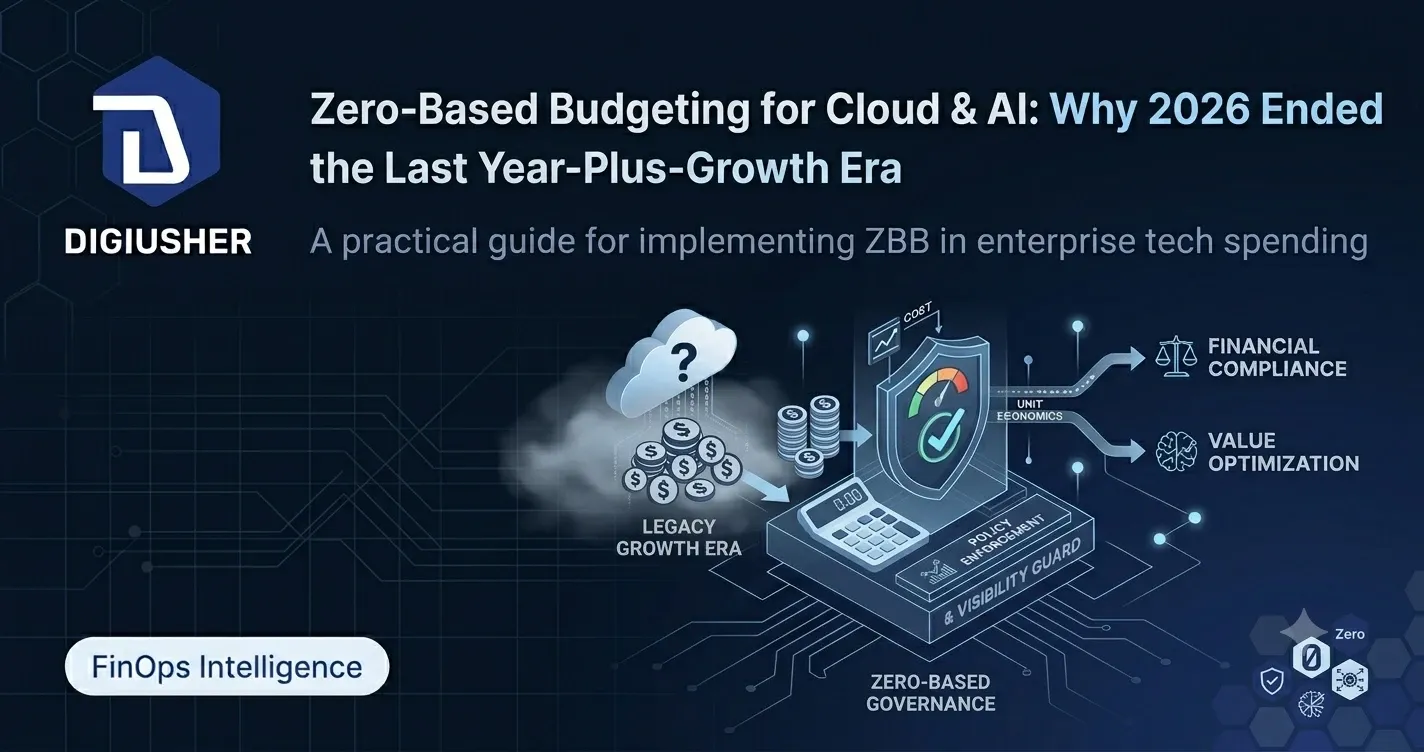
Zero-Based Budgeting for Cloud and AI: Why 2026 Ended the Last-Year-Plus-Growth Era
80–85% of enterprises miss AI cost forecasts by 25% or more. Zero-based budgeting is the discipline that ends the last-year-plus-growth model for cloud and AI spend.
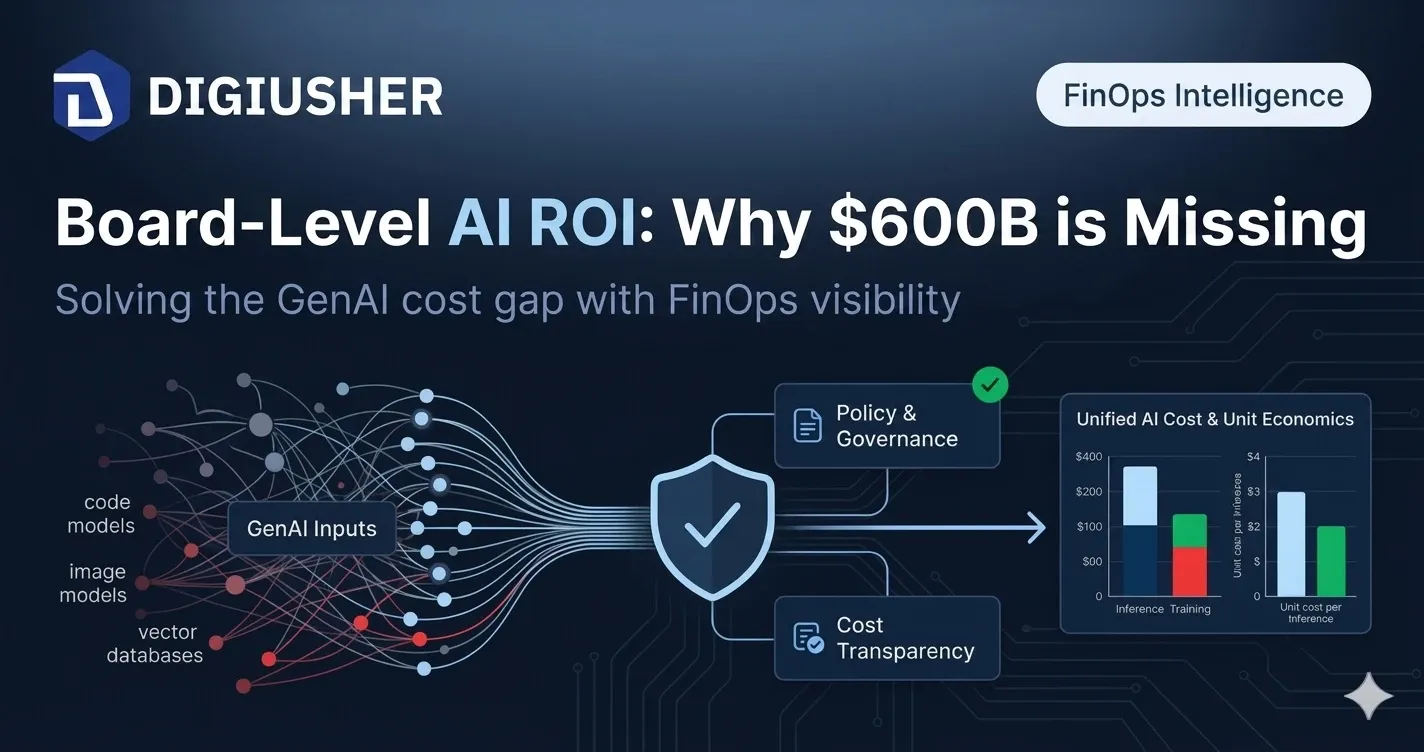
Board-Level AI ROI: Why $600B in Investment Is Delivering Single-Digit Returns — and What Fixes It
Only 7% of CFOs see high ROI from AI despite $270B in enterprise spend forecast for 2026. Here's the governance framework boards are demanding — and why cost attribution is the missing layer.
Seven Signals from the State of FinOps 2026: Why Technology Value Management Is Now a Board-Level Mandate
8% of FinOps teams now govern AI spend. Gartner forecasts $2.52T in global AI investment. The State of FinOps 2026 rewrites the rules for every CTO, CFO, and Head of FinOps.